Upscale video to 4K
From a 1080p source this is a 2× job, and the cleanest case there is. From 540p it is 4×, which works but takes about four times as long.
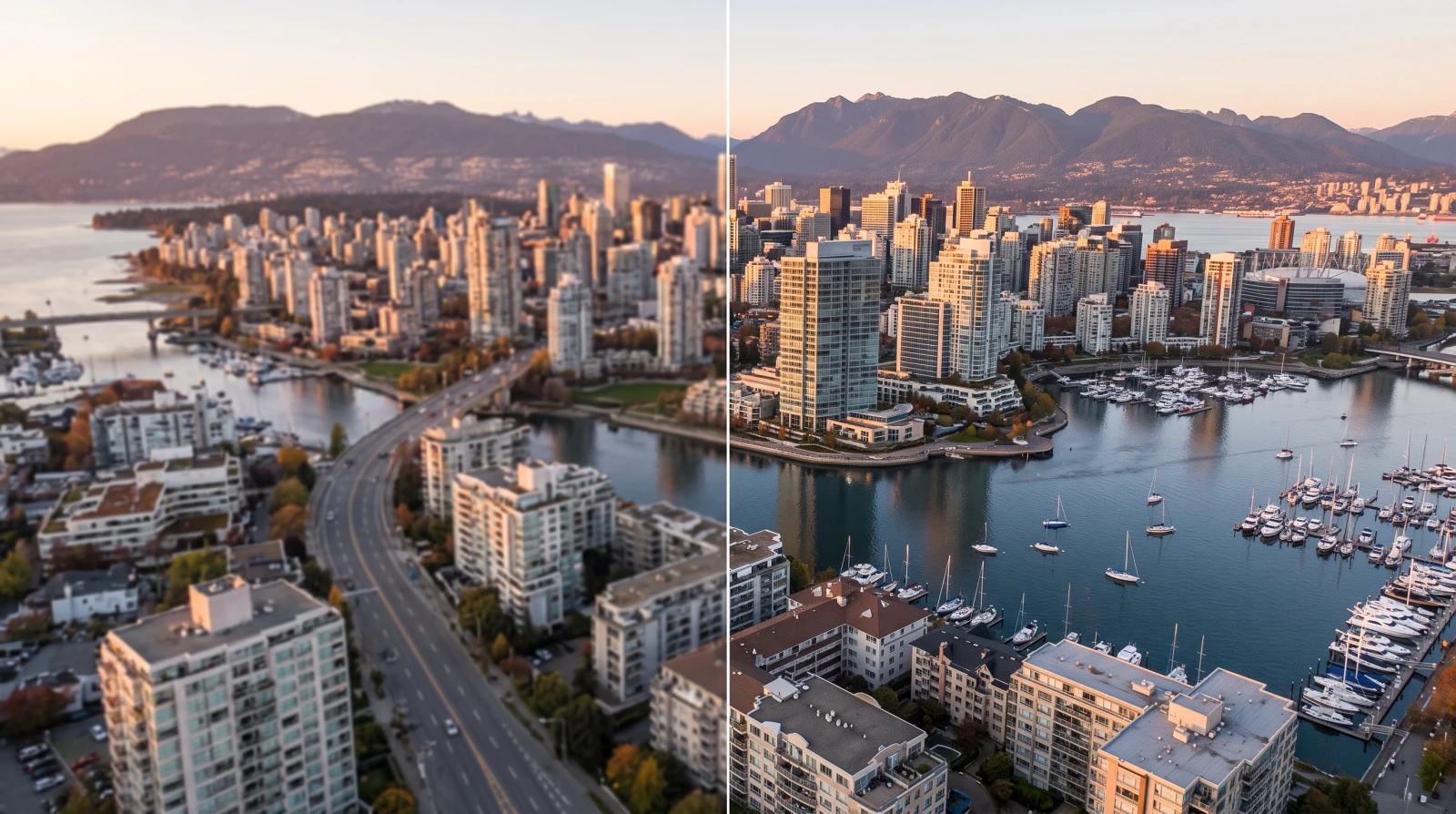 BeforeAfter
No sign-up · no watermark · unlimited · runs on your device
or drop it here
Checking what this device can do…
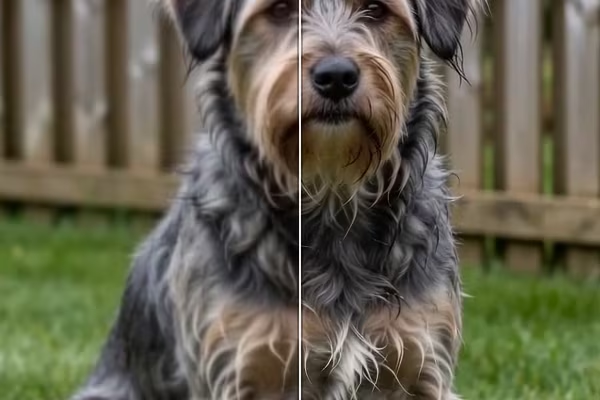
Crisper edges, without the tell-tale halo.
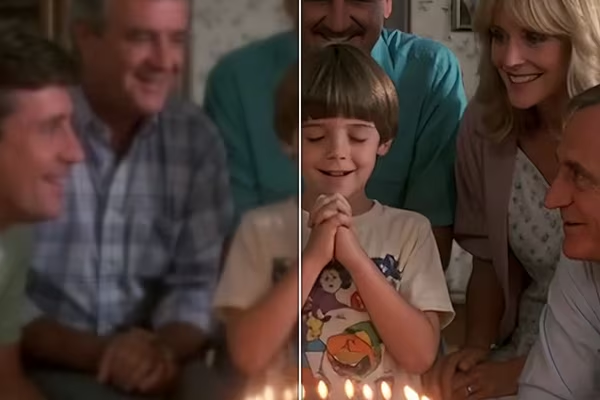
Tightens soft edges, frame by frame.
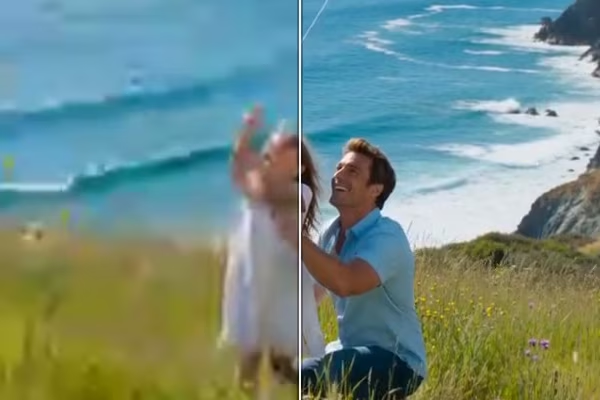
Cleans up compressed, soft footage.

More resolution and cleaner edges.
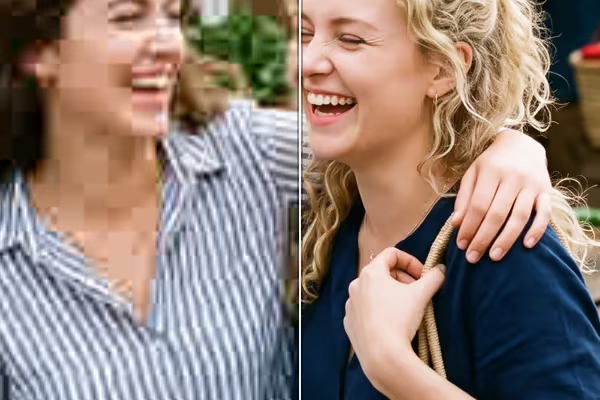
Turns blocks and stair-steps back into gradients.

Resamples the pixels, then writes a real DPI.
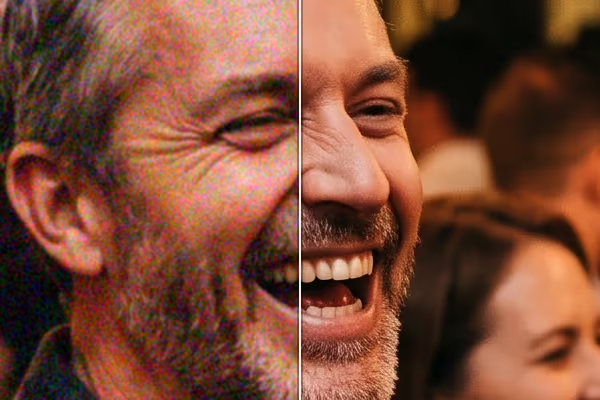
Takes out the grain, leaves the edges.

Tightens soft edges, keeps your dimensions.

2× or 4×, photos and illustrations.
Find the one you have. Each says what to expect and which method to start with.
BeforeAfter BeforeAfter
 BeforeAfter
 BeforeAfter
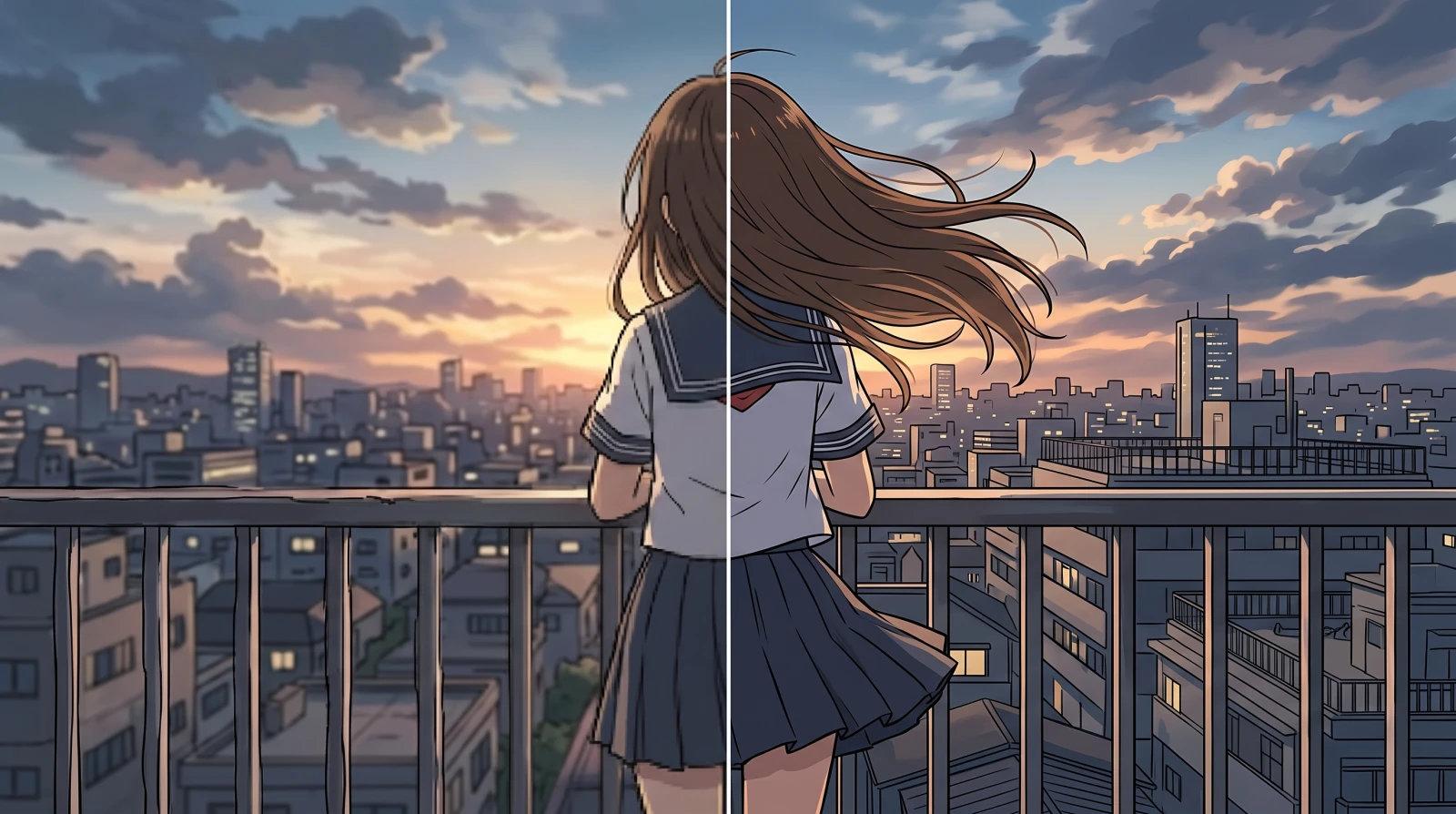 BeforeAfter
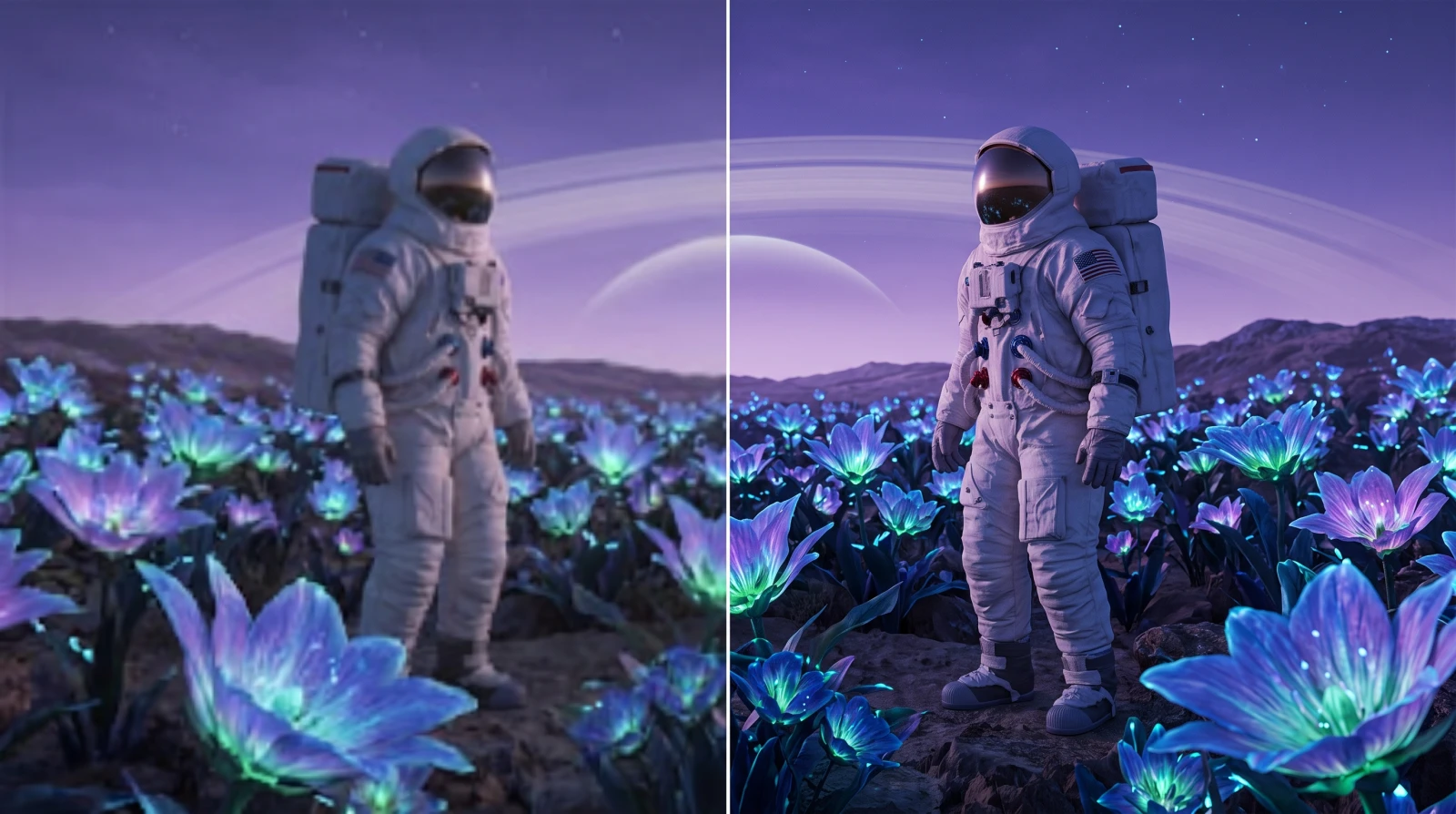 BeforeAfter
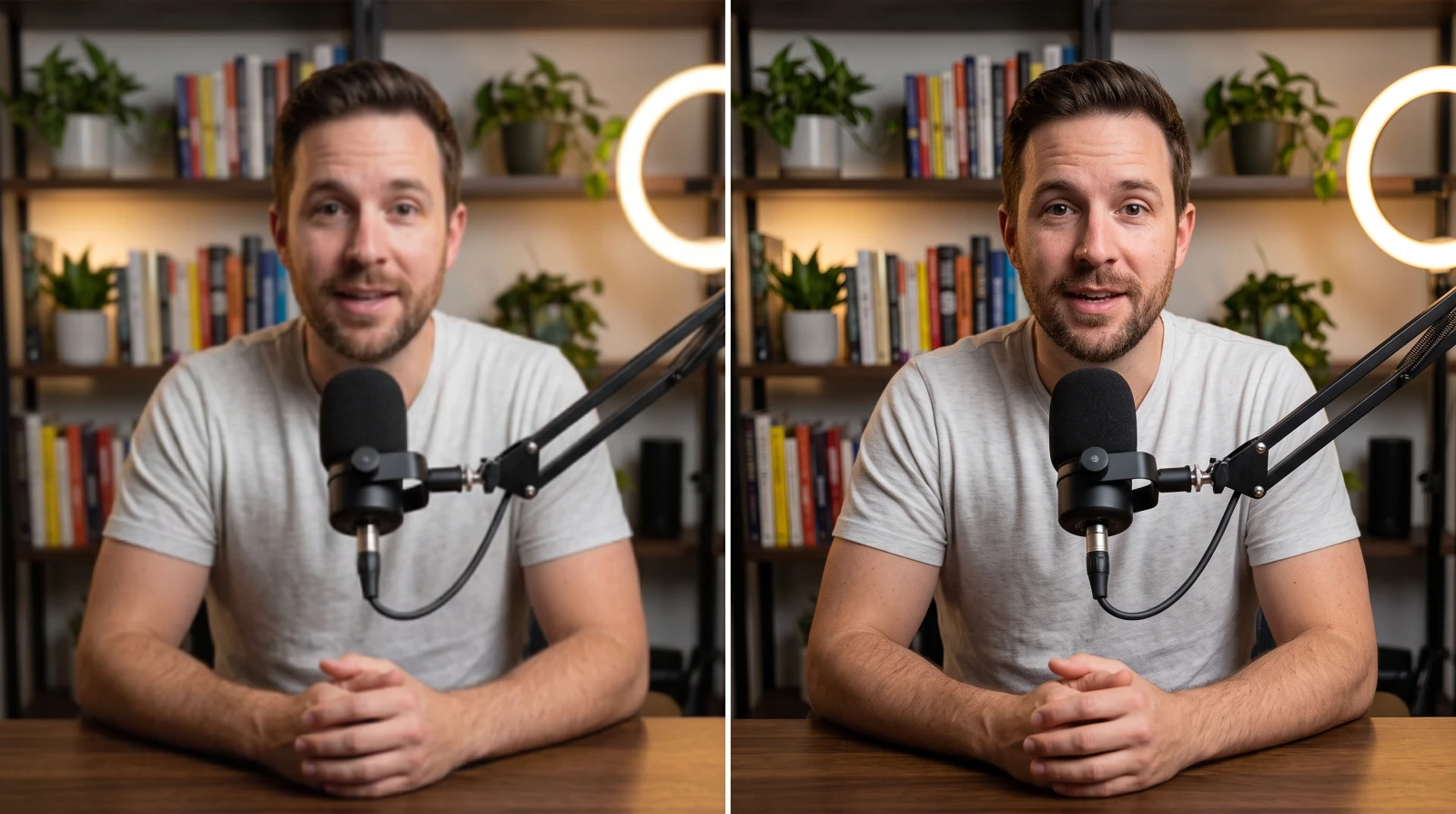
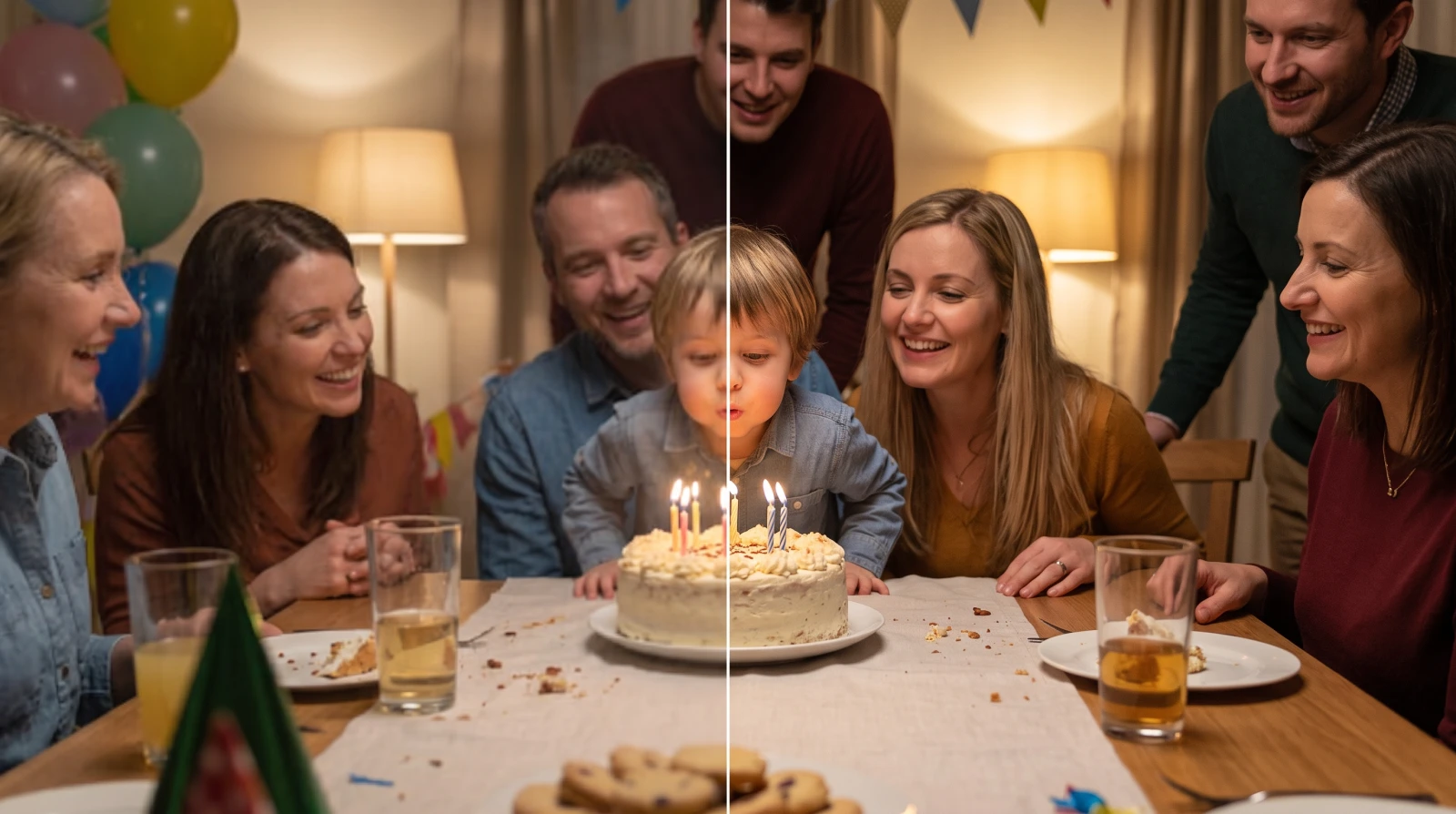
These six are illustrations of the kind of footage, not results of a run. For a real one, drop a file in at the top of the page — the work happens on your own graphics card.
One file or a dozen. The page checks what your device can handle before you choose, so you hear about limits up front rather than half-way through.
2× for anything 720p and above; 4× only for smaller sources. Balanced is the default method and needs no download.
Drag the before/after slider over real detail rather than a flat area. Then download. No watermark, no sign-up, no limit on how often.
Every one of these runs on your own graphics card. Measured against the browser's own high-quality scaling, the default produces 29% more edge contrast with no halo.
| Method | Best for | Scale | One minute of 1080p |
|---|---|---|---|
| Balanced (default) | Any footage, and the safest first try | 2×, 3×, 4× | A few seconds |
| Anime | Drawn and animated material | 2× | A few seconds |
| Anime 4× | Small animated clips | 4× | About 3 minutes |
| Live Action | Real footage still soft after Balanced | 2× | About 8 minutes |
These upload the clip and run on our servers for credits, two of them from Topaz Labs. Precision models improve the pixels the frame already holds; generative ones draw new detail, which is a different promise.
| Model | Type | Best for | Per second at 1080p |
|---|---|---|---|
| AI Video Restore | Generative | Rebuilds detail the clip lost, frame to frame | ≈ $0.18 |
| Video Enhance | Precision | Cleans and enlarges without inventing anything | ≈ $0.02 |
| Topaz Proteus | Precision | The one that fits most clips | ≈ $0.06 |
| Topaz Starlight | Generative | Rebuilds detail rather than recovering it | ≈ $0.06 |
Priced by the second at the size you choose, so 4K costs four times 1080p. The figure for your own file sits on the Run button before anything is sent, and credits are spent per run — no subscription.
Drop the file into a video upscaler that runs in the browser instead of on a server. FreeUpscaler decodes the video frame by frame, enlarges each frame on your own graphics card, then re-encodes it — no account, no watermark, no cap on how many times you do it.
Because the work runs on your hardware rather than a rented GPU, there is no per-file cost to recover, which is why nothing here is metered. When a clip needs more than the local methods can give, the cloud models pick it up and are priced by the clip.
Detail that was never captured cannot be recovered — a 480p clip upscaled 4× is a cleaner 1080p, not a 4K master.
WebGPU and WebCodecs both have to be present, and today that means a desktop browser. Safari 26 is partway there, Firefox is still rolling WebGPU out, and phones give up on long clips and 4K output.
The container is rarely the problem — MP4, WebM, MOV and MKV all open. The codec inside is. H.265 and ProRes are usually not among the decoders a browser ships. Convert to MP4/H.264 first.
Time follows the output size and the method, not the length of the clip. A very large output can exhaust the graphics driver mid-job; the same job often succeeds on a retry. If it fails twice, drop the scale a step.
Camera shake and motion blur smeared each point of the scene across pixels while the shutter was open. That information is gone rather than hidden, and no tool reconstructs it.
Drop the file onto the box above, choose 2×, 3× or 4×, and download the result. Everything happens on this page — there is no queue to wait in and no email to confirm. The three steps are laid out further down, including what to look at before you download.
The local methods are. The work runs on your own graphics card, so there is nothing for us to meter: no credit counter, no watermark, no cap on how many files you put through. The cloud models are the exception — they cost credits, and each one says so on its own row.
Not by the free methods. The file is decoded, upscaled and re-encoded inside this tab, which you can verify: load the page, disconnect from the internet, and it still works. A cloud model is the exception and says so before it runs — it uploads the clip for that job, and the result is kept for 30 days unless you delete it.
In this category free usually comes with a condition attached: a 30-second cap, a watermark, three exports a month, a sign-up wall before the download button. The useful first question about any free upscaler is where that condition sits. Here the conditions are technical rather than commercial — a desktop browser with WebGPU, and a codec the browser can decode.
It depends which of two jobs you want done. Precision models improve the pixels the frame already holds; generative models draw detail that was never there. For the highest ceiling, Topaz Starlight's diffusion model beats anything that runs locally here, and it costs real money and tens of minutes. For free, and without uploading, the local methods are the ceiling. No single model wins both.
You get a real 3840 × 2160 file, and on a 4K screen it beats letting the television stretch the source. The detail is reconstructed rather than recovered: a 4K frame built from 1080p still holds 1080p of information, drawn cleanly at four times the size.
The method matters far more than the clip. Balanced runs faster than the footage plays. Live Action is about sixty times slower per frame, so a one-minute clip takes several minutes. 4K output is four times the work of 1080p whichever method you pick.
Two browser APIs do the heavy lifting: WebGPU hands the page your graphics card, and WebCodecs hands it the video encoder and decoder. Desktop Chrome and Edge have both. Safari 26 is partway there and Firefox is still rolling WebGPU out. Phones qualify on paper but have far less GPU memory, so long clips and 4K output tend to fail part-way.
Credits pay for the cloud models, because those runs cost real money to perform. Signing in is the wallet for them and nothing else — the local methods never ask, and nothing about them is gated. A new account starts with 3 free credits, enough to put a few seconds of footage through the cheapest cloud model and see what it does.